
From a Windows Server 2012 or Windows 8 machine, you might get the following message when connecting to an SMB2 share or network location.
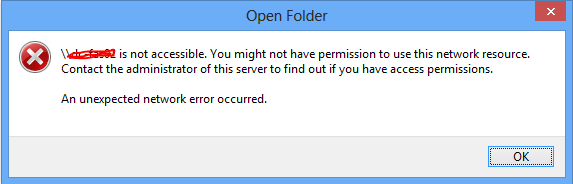
<server> is not accessible. You might not have permission to use this network resource. Contact the administrator of this server to find out if you have access permissions. An unexpected network error occurred.
You need to update the server or SAN where the shares are hosted, alternatively run the following PowerShell command on the machine where you’re connecting from:
Set-ItemProperty -Path "HKLM:\SYSTEM\CurrentControlSet\Services\LanmanWorkstation\Parameters" RequireSecureNegotiate -Value 0 -Force
Be sure to run PowerShell as administrator if user account control (UAC) is turned on.
No need for a reboot.
Taken from http://support.microsoft.com/kb/2686098
 Marc Kean
It’s works. Thank’s